
|
Getting your Trinity Audio player ready...
|
How to Bulk Edit Prices in Shopify Without Changing Them One by One
Need to change prices across dozens, hundreds, or even thousands of Shopify products? Here’s an easier way to do it without spending hours manually editing your catalog.
Try the Bulk Price Editor → ▶ Watch How It Works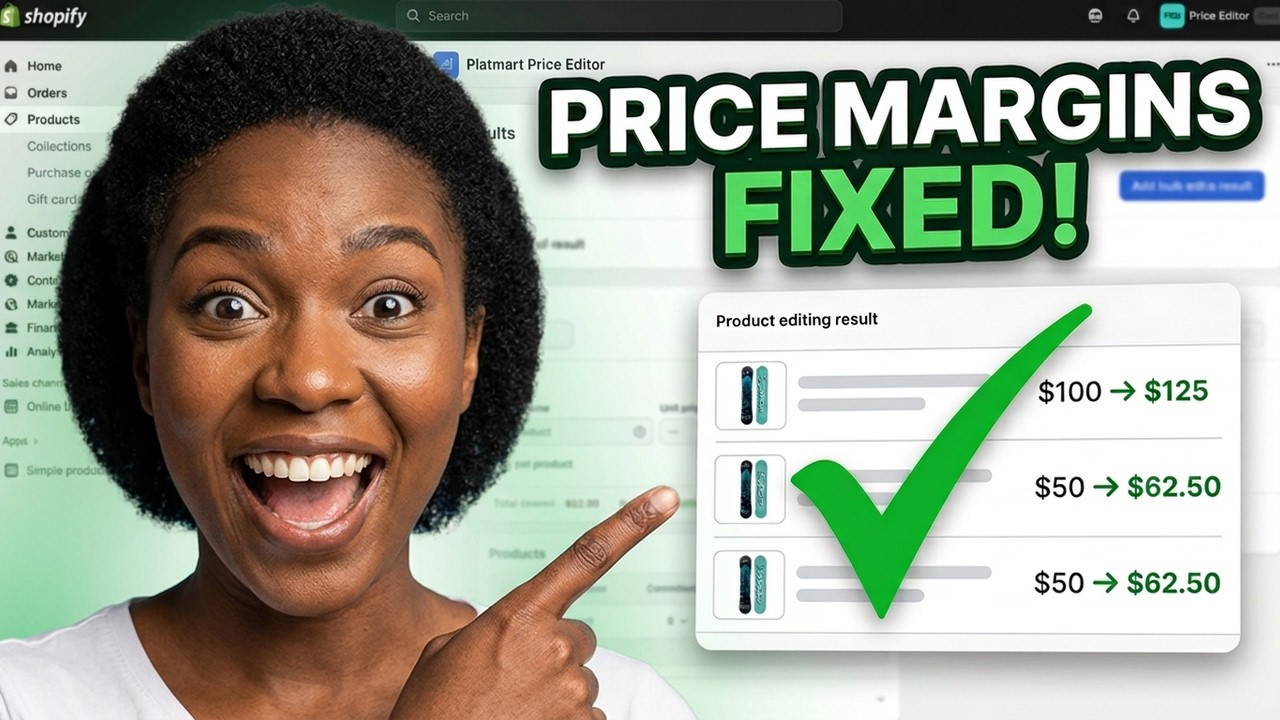
If you run a Shopify store, changing one product price isn’t a big deal.
But what happens when you need to change 100 prices?
Or 500?
Or thousands?
Maybe your supplier increased its prices.
Maybe you’re getting ready for Black Friday.
Maybe you’re running a weekend sale and need everything to go back to its original price when the promotion ends.
That’s when changing Shopify prices manually can turn into a nightmare.
Fortunately, there’s a much easier way to handle bulk price changes.
The Easy Way to Bulk Edit Shopify Prices
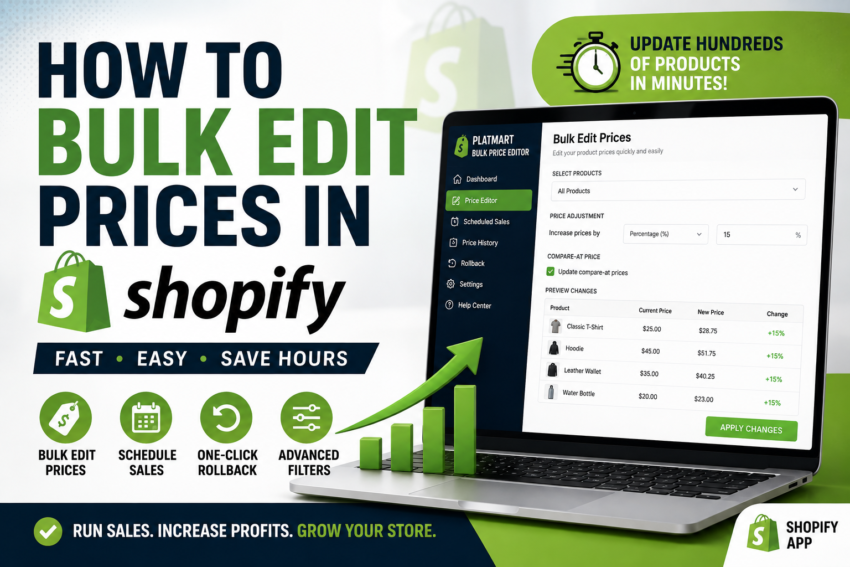
One option is Platmart Bulk Price Editor, a Shopify app designed specifically for making price changes across large numbers of products.
Instead of editing every product individually or working with CSV files, you select the products you want to change, choose your pricing rules, and let the app apply the changes.
🎥 Watch: How to Bulk Edit Prices in Shopify
Want to see how the process works? Watch my video below.
Ready to Try It on Your Shopify Store?
See how much time you could save by editing Shopify prices in bulk.
Try Platmart Bulk Price Editor →Affiliate link: I may earn a commission if you purchase through this link, at no additional cost to you.
What Is Platmart Bulk Price Editor?
Platmart Bulk Price Editor is a Shopify app designed to help store owners change prices across multiple products without manually opening and editing every product.
You can use it for permanent price adjustments or temporary promotions.
Increase, decrease, or set prices across multiple products.
Schedule promotions with start and end times.
Restore previous prices if you need to undo a change.
Choose products using collections, tags, sale status, or individual selection.
Why Bulk Editing Prices Can Save So Much Time
Imagine your supplier raises prices by 10%.
If your store contains 1,000 products, manually adjusting every price could take hours.
With a bulk price editor, you can create a rule that increases the selected prices by a percentage or amount.
Instead of editing 1,000 products…
You create one pricing task and apply it to the products you choose.
How to Bulk Edit Prices in Shopify
Step 1: Decide What You Want to Change
First, decide exactly what type of price change you’re making.
You might want to:
- Increase prices by a percentage
- Decrease prices by a percentage
- Increase prices by a fixed amount
- Decrease prices by a fixed amount
- Set a new price
- Adjust compare-at prices
- Update costs or margins
Step 2: Choose Which Products to Change
You don’t necessarily have to change your entire store.
Platmart lets you target products using options such as:
- Collections
- Product tags
- Selected products
- Selected variants
- Products already on sale
- Your whole store
This can be extremely useful if you’re running a promotion on only one category.
Step 3: Set Your Pricing Rule
Now choose what should happen to the prices.
Example #1: Increase all selected prices by 10%.
Example #2: Discount one collection by 20%.
Example #3: Change price endings so products end in .99.
Example #4: Set a target margin across selected products.
Step 4: Apply the Changes
Once your products and pricing rules are selected, you can apply the changes in bulk.
This eliminates the need to open every product page and type in a new price manually.
Schedule Shopify Sales Automatically
This is one of the features that can be especially useful during major shopping events.
Instead of manually starting and ending a sale, you can schedule a promotion.
For example:
Black Friday Sale
Start: Friday at 12:00 AM
Discount: 25%
End: Monday at 11:59 PM
When the sale ends, the app can restore the original prices automatically.
That means you don’t have to sit in front of your computer waiting for midnight just to change your prices back.
What If You Make a Pricing Mistake?
This is probably one of the most important features when you’re changing prices across hundreds or thousands of products.
Platmart backs up price changes so tasks can be rolled back.
⚠️ Imagine accidentally discounting 5,000 products by 70% instead of 7%.
A rollback option becomes very important when you’re making changes at scale.
Can You Edit Compare-at Prices?
Yes. The app supports bulk editing of both regular prices and compare-at prices.
Compare-at pricing is particularly useful when you’re running promotions because Shopify can display the original price alongside the discounted selling price.
Can You Edit Cost and Profit Margins?
Depending on your plan, Platmart can also edit cost per item, margins, and markup.
That can be useful when supplier costs change and you need to adjust pricing across an entire product catalog.
Stop Changing Shopify Prices One at a Time
If bulk pricing is eating up hours of your time, see whether Platmart Bulk Price Editor is a better fit for your store.
Try Bulk Price Editor →Does Platmart Bulk Price Editor Have a Free Plan?
Yes. At the time of writing, the Shopify App Store lists a free plan.
That gives you an opportunity to explore the app before deciding whether one of the paid plans makes sense for your store.
Always check the current Shopify App Store listing before signing up because prices, plan limits, and included features can change.
Who Is This Shopify App Best For?
Stores with growing product catalogs.
Stores regularly running promotions.
Merchants managing hundreds or thousands of products.
Businesses using Shopify Markets and market-specific pricing.
Pros and Cons
👍 Pros
- Bulk price changes
- No CSV required for normal bulk-edit workflows
- Scheduled sales
- Automatic price restoration
- Rollback functionality
- Product filtering
- Compare-at price editing
- Free plan available
👎 Things to Consider
- Free plan has usage limits
- Some advanced features require paid plans
- Shopify Markets support requires a higher plan
- Large stores should carefully review changes before applying them
Frequently Asked Questions
Can I bulk change prices in Shopify?
Yes. Shopify provides native bulk-editing capabilities, and third-party apps such as Platmart Bulk Price Editor add specialized features for larger price changes, scheduled sales, rollback, and pricing rules.
Can I increase all my Shopify prices by a percentage?
Yes. Platmart Bulk Price Editor can increase or decrease selected prices by a percentage or fixed amount.
Can I schedule a Shopify sale?
The app supports scheduled sales with start and end times. Prices can automatically return to their previous values when the sale ends.
Can I undo bulk price changes?
Platmart backs up its price changes and provides rollback functionality, allowing you to restore previous prices.
Do I need to use CSV files?
No. One of the app’s main advantages is being able to make bulk price changes through its interface without the usual export-edit-import CSV workflow.
Is Platmart Bulk Price Editor free?
A free plan is currently available. Paid plans provide higher limits and additional features. Always check the current Shopify listing for the latest pricing.
Final Thoughts
If you only have five products, manually changing prices probably isn’t a big deal.
But once your Shopify catalog starts growing, the amount of time spent managing prices can grow with it.
That’s where a dedicated bulk price editor starts making sense.
The combination of bulk editing, scheduled promotions, product targeting, and rollback makes Platmart Bulk Price Editor worth considering if you regularly change Shopify prices.
The goal isn’t just to change prices faster. It’s to spend less time doing repetitive work so you can spend more time growing your store.
Ready to Try Platmart Bulk Price Editor?
See whether it can save you time managing prices and promotions on your Shopify store.
Try Bulk Price Editor → ▶ Watch My TutorialDisclosure: This article contains an affiliate link. If you purchase or sign up through my link, I may earn a commission at no additional cost to you.