

|
Getting your Trinity Audio player ready...
|
How to Build an AI Voice Agent That Calls Leads for You
Imagine having an AI assistant that can make outbound calls, talk naturally with leads, ask questions, follow a script and help you follow up—without you personally dialing every number.
Try Vapi AI → ▶ Watch My Tutorial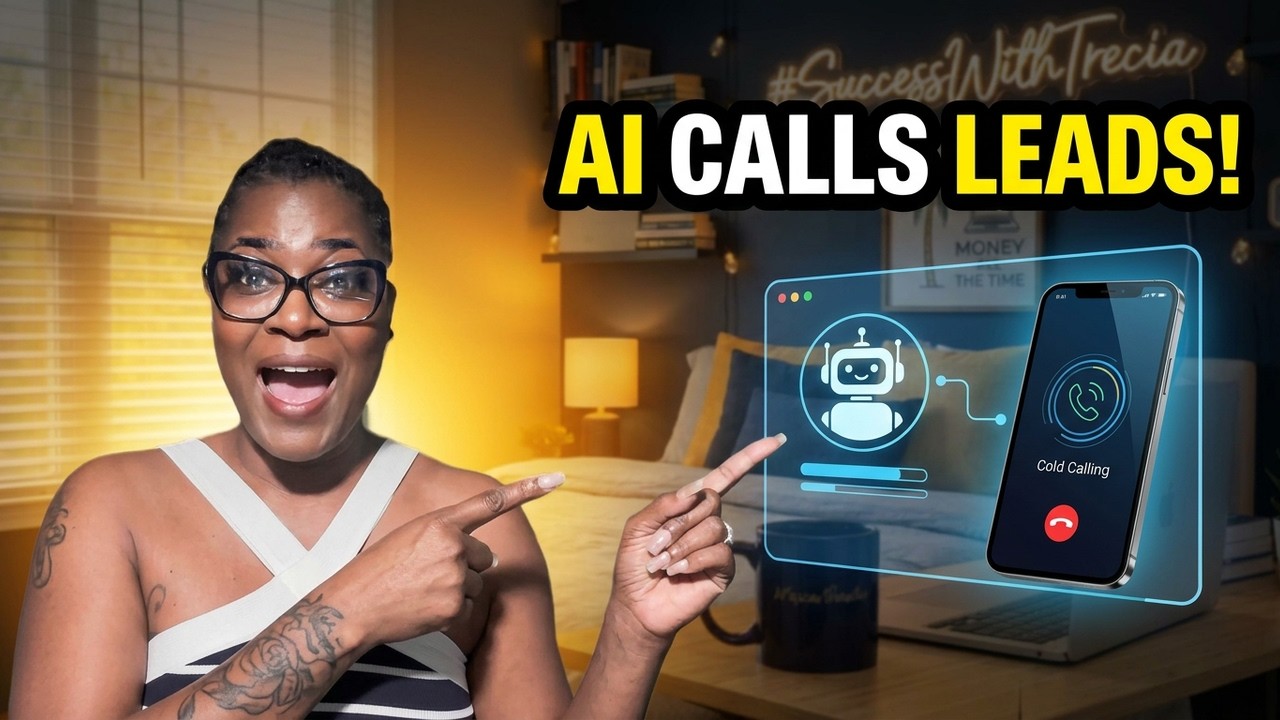
What if you didn’t have to personally make every follow-up call?
Think about how much time businesses spend dialing numbers.
Calling leads.
Following up with prospects.
Confirming appointments.
Reaching people who filled out a form but never scheduled.
And calling customers who said, “Call me back next week.”
AI voice agents are beginning to automate a lot of that work.
And one platform built specifically for creating these kinds of voice AI systems is Vapi.
🤖 What Is Vapi?
Vapi is a platform for building AI voice agents that can have real-time conversations over the phone.
A Vapi voice agent combines speech recognition, an AI language model and text-to-speech so the person on the other end can speak naturally with the AI.
Vapi supports both inbound and outbound calling, including individual calls and outbound campaigns.
🎥 Watch Me Build an AI Voice Agent
If you want to see how this actually works, watch my walkthrough below.
Want to Build Your Own AI Caller?
Create your voice agent, give it instructions and test it on your own number before using it in your business.
Try Vapi AI →Affiliate disclosure: I may earn a commission if you sign up or purchase through my link, at no additional cost to you.
How Does an AI Voice Agent Actually Work?
There’s a lot happening behind the scenes, but the basic concept is surprisingly simple.
The AI Voice Conversation
Phone Call → Speech Recognition → AI Thinks → AI Responds → Conversation Continues
When your prospect talks, speech-to-text converts their voice into information the AI can understand.
The AI model determines how to respond based on the instructions you gave it.
Then text-to-speech turns that response back into a natural-sounding voice.
And this happens fast enough to create an interactive phone conversation.
Step 1: Decide What Your AI Agent Is Supposed to Do
Don’t start by trying to create an AI that can do everything.
Give it ONE clear job.
Your AI agent could:
📞 Follow up with leads who requested information
📅 Schedule appointments
🔔 Make appointment reminders
🛒 Follow up with interested customers
💬 Ask qualifying questions
📋 Conduct surveys
☎️ Return requested callbacks
🎧 Handle basic customer-service conversations
Step 2: Create Your Vapi Assistant
Your assistant is basically the AI employee you’re building.
You tell it who it is, what company it represents, what its objective is and how it should handle the conversation.
For example, instead of saying:
“Call leads and sell them.”
Give it clear instructions.
Your role: You are a friendly appointment-setting assistant for ABC Company.
Your objective: Contact people who requested information and determine whether they would like to schedule a consultation.
Your tone: Friendly, conversational and professional.
Do not: Pressure the customer or make claims that haven’t been approved.
Goal: If interested, schedule the next step. If not interested, politely end the conversation and honor opt-out requests.
The better your instructions are, the better your AI agent has a chance of performing.
Step 3: Give Your Agent a Voice
Nobody wants to listen to a robot that sounds like it escaped from a 1997 answering machine. 😂
Your voice matters.
You want something appropriate for your business and easy for customers to understand.
Test several voices before settling on one.
Step 4: Connect a Phone Number
Your AI needs a phone number to make and receive phone calls.
Vapi supports phone calling through numbers configured in the platform as well as imported numbers from supported telephony providers.
For outbound campaigns, Vapi’s current documentation calls for a number from a provider such as Twilio rather than a free Vapi number.
Give Your AI Agent a Phone
AI Assistant + Phone Number + Approved Leads = Automated Conversations
Step 5: Build the Conversation
This is where I would spend some time.
Don’t just think about what YOU want the AI to say.
Think about what the customer might say back.
For example:
Lead: “I’m busy right now.”
AI: Offer to schedule another time.
Lead: “How much does it cost?”
AI: Give approved pricing information or offer to connect them with the appropriate person.
Lead: “I’m interested.”
AI: Move toward the next approved step.
Lead: “Don’t call me again.”
AI: Respect the request and end the call.
Step 6: TEST It Before Calling Real Leads
Please don’t build the agent today and unleash it on 10,000 people tomorrow. 😂
Call yourself first.
Then have somebody else test it.
Ask weird questions.
Interrupt it.
Say you’re not interested.
Ask it something it shouldn’t know.
Ask to speak with a human.
Try to confuse it.
You want to discover problems BEFORE your customers do.
Build It. Call Yourself. Fix It.
The easiest way to understand AI calling is to actually create a small test agent and experience the conversation yourself.
Build an AI Agent With Vapi →Step 7: Add Your Lead Data
Once your agent is tested, you can connect it to appropriate lead information.
Vapi’s outbound campaign tools support uploading recipient data through CSV files.
You can also include additional information that allows conversations to be personalized.
Name: Sarah
Phone: Customer’s authorized number
Interest: Website consultation
Requested callback: Yes
Source: Website inquiry
Now the conversation doesn’t have to sound completely generic.
Step 8: Launch an Outbound Campaign
Vapi currently has an Outbound Campaigns feature that lets businesses upload recipients, select an assistant, choose a phone number and launch or schedule calls.
The campaign dashboard can then show information such as completed calls, pickup rates, voicemail outcomes and individual call details.
That means you’re not just automating calls.
You can actually review what happened.
⚠️ Important: AI Doesn’t Make Telemarketing Rules Disappear
An AI voice agent is technology—not permission to call everybody whose phone number you can find.
Before using automated or AI-generated calls for marketing, make sure your campaign complies with applicable federal and state telemarketing, robocall, consent and Do-Not-Call requirements.
Your safest starting point is generally people who have appropriately requested contact or with whom you have the required permission and relationship for the type of call you’re making.
And if somebody asks you to stop calling, honor that request.
What Businesses Could Use AI Voice Agents?
Follow up with inquiries and appointment requests.
Appointment reminders and requested follow-ups.
Follow up with customers who requested information.
Qualification, demos and customer follow-up.
Customer follow-ups and service calls.
Confirm, reschedule and remind customers about appointments.
Why Businesses Are Interested in AI Calling
The biggest benefit isn’t necessarily replacing salespeople.
It’s letting technology handle repetitive conversations so humans can spend more time on conversations that actually require a human.
Imagine 100 people requested information this week.
Instead of a salesperson spending hours repeatedly dialing people who don’t answer, AI can potentially help with the first layer of approved follow-up.
Then interested prospects can move to the appropriate human or next step.
🤖 Want More AI Tools for Your Business?
I test AI tools, automation software and online business platforms here on Success With Trecia so you can see how they work before deciding whether they belong in your business.
Explore More AI Tutorials →Vapi Pros and Cons
👍 What I Like
- Build conversational AI voice agents
- Inbound and outbound calling
- Batch calling capabilities
- Outbound campaigns
- Personalized lead information
- Call transcripts and logs
- Campaign analytics
- Integrations for more advanced workflows
👎 Things to Consider
- You need to properly configure the agent
- Calls should be thoroughly tested
- Usage has costs
- Telephony and AI provider costs can apply
- Advanced integrations can require technical knowledge
- You are responsible for compliant outreach
Frequently Asked Questions
Can AI make outbound phone calls?
Yes. Platforms such as Vapi allow configured AI voice agents to make outbound phone calls and participate in real-time conversations.
Can Vapi call multiple leads?
Vapi supports batch outbound calling and outbound campaigns. Businesses can provide recipient information and use an AI assistant to handle campaign calls.
Can an AI voice agent schedule appointments?
Voice agents can be configured and integrated with tools to support workflows such as appointment scheduling, qualification and customer follow-up.
Does Vapi provide call transcripts?
Vapi’s campaign tools provide access to individual call information including duration, outcomes, transcripts and recordings.
Can I use AI to cold call anyone?
No technology gives you automatic permission to contact every phone number you obtain. Marketing calls may be subject to federal and state telemarketing, consent, robocall and Do-Not-Call rules. Verify your legal obligations before launching an AI calling campaign.
Final Thoughts
AI voice technology is getting interesting because we’re moving beyond chatbots sitting on websites.
Now AI can actually participate in phone conversations.
It can answer.
It can ask questions.
It can respond.
It can collect information.
And when properly configured, it can help businesses automate repetitive communication workflows.
But the smartest way to start isn’t with 10,000 calls.
Start with ONE agent.
Give it ONE job.
Call YOURSELF.
Fix the mistakes.
Then gradually build from there.
Ready to Build Your First AI Voice Agent?
Create a simple agent, give it a clear job and test the conversation yourself.
Try Vapi AI → ▶ Watch My TutorialAffiliate Disclosure: This article contains an affiliate link. If you sign up or purchase through my link, I may earn a commission at no additional cost to you.