
YouTube SEO can feel like a puzzle when you’re just starting out, but figuring out how to get your videos found is actually pretty fun once you get the basics down. The right approach helps your channel stand out and reach new viewers. I pulled together this beginner-friendly guide based on my own experience wrangling YouTube’s search and discovery features. Let’s jump right in and get your videos in front of more eyeballs.
Why YouTube SEO Matters for New Creators
YouTube is one of the busiest search engines around, right behind Google. With over 500 hours of video uploaded every minute, making your content visible can be a real challenge. Keyword research, smart titling, and strategic tagging help new creators break through the noise. Even small changes to your video upload process can help your channel grow faster.
When I first set up my channel, I assumed just making great content would do the trick. Turns out, YouTube rewards creators who put a little thought into SEO basics. Simple tweaks made a big difference in how my videos performed and how quickly I gained viewers. Paying attention to SEO is super important for getting traction on any new channel.
First Steps: Setting Up Your YouTube Channel for SEO
There are a few things you can do right away that will help your YouTube SEO foundation.
- Custom Channel Name and URL: Choose a clear, descriptive channel name. Try to include a relevant keyword if it fits naturally. After you reach 100 subscribers, grab a custom URL that matches your brand.
- Channel Description: Write a channel description outlining what your channel is about while naturally including main keywords related to your niche.
- Consistency with Channel Art and Logo: Consistent branding helps build trust, which can increase watch time and subscribers; this is good for SEO.
Filling out all your channel sections may seem tedious, but it’s really worth it. Viewers and algorithms both like channels that look legit and well thought out.
How to Choose the Right Keywords for YouTube
Keywords are the foundation of YouTube SEO. Here’s how I find keywords that work well for my videos:
- YouTube Search Suggest: Just start typing a topic in the search bar. The autocomplete suggestions are things real people are searching for.
- Check out Competitors: Look at videos already ranking for your topic. Note the words they’re using in their titles and descriptions.
- Free Tools: Tools like Google Trends, TubeBuddy, or VidIQ help generate keyword ideas and show search volumes.
Stick to keywords that match your content and your audience’s interests. Don’t force unrelated keywords in just to get clicks, YouTube’s algorithm can tell the difference.
Optimizing Video Titles, Descriptions, and Tags
Your title is usually the first thing people see, so it pays to be clear and relevant. Keep main keywords near the beginning, and make it easy to understand what your video is about. A little curiosity or excitement is great, but avoid clickbait as it can hurt your rankings over time.
If you upload a tutorial on “making cold brew coffee,” a good title might be “How to Make Cold Brew Coffee at Home. Easy Recipe for Beginners.” Notice the keyword up front, plus a clear value proposition. The title is simple, and viewers instantly know what to expect.
Descriptions offer more space to tell viewers, and YouTube’s algorithm, what your video covers. I aim for at least 150-200 words, naturally weaving in a few variations of my main keyword. Adding useful links, such as your website or socials, and timestamps for key sections can also help viewers and boost watch time.
Tags are still useful, but they aren’t as important as they once were. Use your main keyword, a few related ones, and maybe the topic’s category. Don’t overdo it; YouTube says focus on relevancy, not volume.
Structuring Playlists and Channel Sections for SEO
Creating themed playlists helps your channel in a couple of ways. First, playlists encourage viewers to watch more than one video, which increases your channel’s overall watch time and session duration. These are two metrics YouTube loves. Second, playlist titles and descriptions are an extra place to put relevant keywords.
I organize my playlists around topics my audience cares about. Each playlist gets a keyword-rich description and a cover image that matches the rest of my branding. You can also add “sections” to your channel homepage using these playlists, keeping everything tidy and easy for viewers to binge.
Thumbnails: Why They Matter for Ranking
A thumbnail can make or break your video’s click-through rate (CTR). YouTube tracks how many people click your video compared to how many times it’s shown. Even if your SEO is spot on, a bland or confusing thumbnail can tank your CTR.
- Clear Imagery: Use simple, high contrast images.
- Bright Colors: Thumbnails that pop get more attention.
- Brand Consistency: Use the same colors, fonts, or style across all thumbnails so viewers start to recognize your videos in their feed.
I usually design my thumbnails using free tools like Canva, and I always double-check how the image looks in both large and small sizes before uploading.
Improving Audience Engagement Signals
YouTube pays attention to how viewers interact with your videos. Watch time, likes, comments, shares, and even subscribing during or after a video all signal value to the algorithm. I’ve noticed the more I respond to comments or prompt my audience to take action, the better my videos perform.
- Ask a question or prompt discussion in your video or description.
- Reply to comments and pin helpful or interesting ones to the top.
- Use YouTube’s end screens and cards to guide viewers to other videos or playlists.
These little actions can lift your SEO without needing any tech know-how.
Creating Content Consistently
Consistency helps both viewers and the algorithm know what to expect from your channel. Regular uploads, even if it’s just once a week, can help signal to YouTube that you’re an active creator. I pick an upload schedule I know I can stick to and share it in my channel art and video outros. This builds trust with your audience too, which often leads to more watch time over time.
Scheduling uploads in advance and batching filming can also take the pressure off while making sure you meet your publishing goals. Platforms like YouTube Studio make it easy to set videos in advance, helping you stay on track—and letting your audience look forward to new content on a predictable basis.
Common Challenges Beginners Face (And How to Solve Them)
- Low Initial Views: It’s normal to start slow. Stick to your SEO basics, keep uploading, and promote your videos on forums, social platforms, or relevant communities.
- Over-Optimizing or Keyword Stuffing: Avoid jamming too many keywords into titles, descriptions, or tags. It can make your content look spammy and turn off both viewers and the algorithm.
- Choosing the Wrong Keywords: Too broad or too competitive keywords can hide your video in a sea of similar uploads. Go for “long tail” phrases that are specific but still have search volume.
Stuck on Keywords?
I sometimes use TubeBuddy or VidIQ to find keywords that are trending but not overly crowded. Plug in different word combinations and look for phrases with medium search traffic but less competition. This approach helped one of my “How to Repot a Houseplant” clips get picked up in searches, growing my channel even when I had fewer than 200 subscribers.
Some Handy Tools for YouTube SEO
- TubeBuddy: Browser extension for keyword research and video optimization suggestions. TubeBuddy Official Website
- VidIQ: Similar to TubeBuddy, with added analytics about top performing videos and trends.
VidIQ Official Website - Google Trends: Useful for checking how keyword popularity changes over time.
Google Trends
Real-Life Impact: How SEO Changes Your Channel Growth
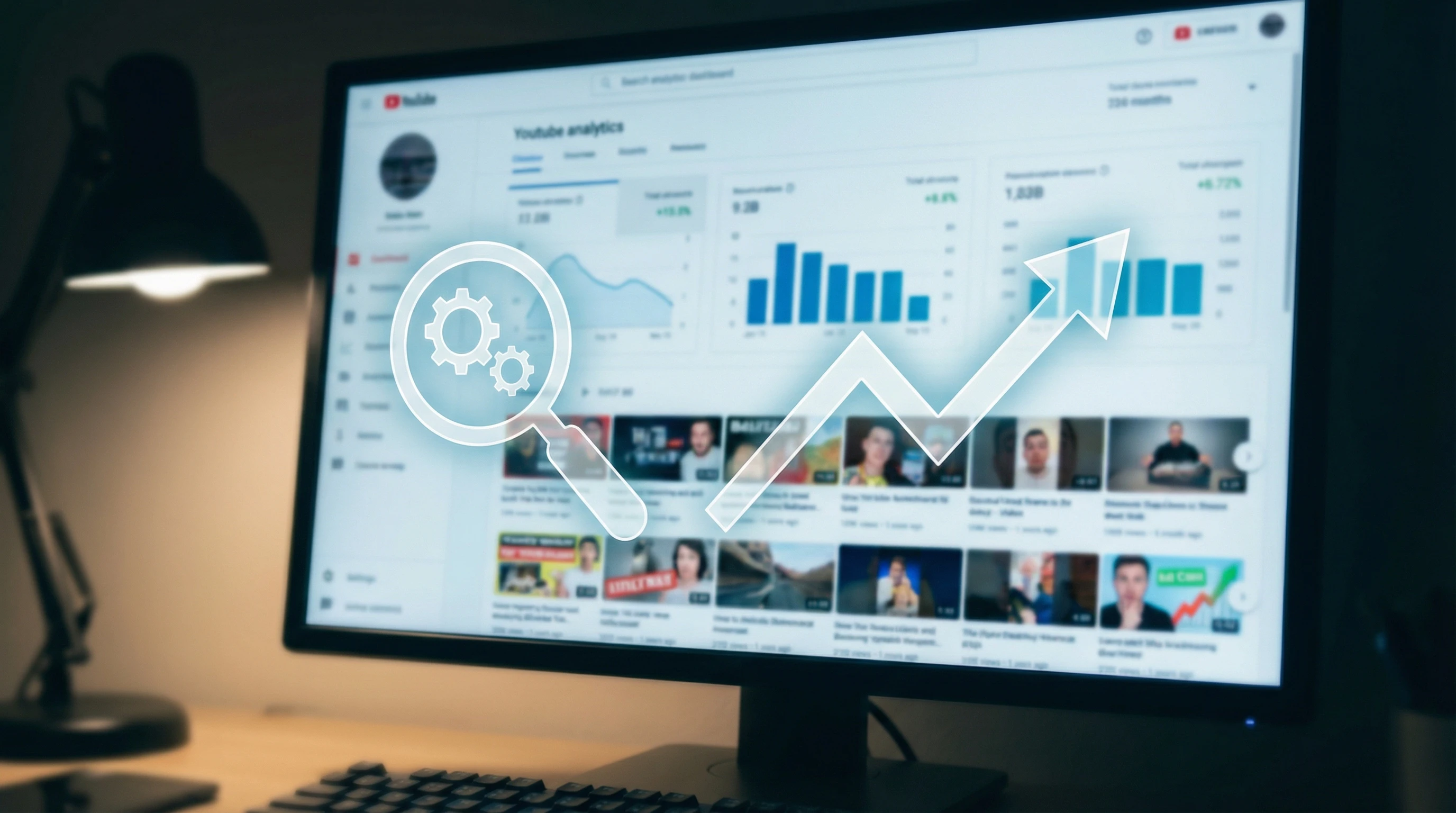
Getting seen on YouTube isn’t just about luck or viral moments. After a few months of applying these YouTube SEO basics, I started to see patterns. Videos that matched keywords, had good thumbnails, and sparked discussion almost always outperformed my “just upload and pray” content. With a look at my analytics, I spotted which topics brought in new subs and which simply weren’t catching interest. Watching these numbers helped me shape future videos and titles, making SEO way less of a guessing game.
- Getting Recommended: Most of my new channel growth came from suggested videos; the algorithm places you next to similar content. Optimized titles, keywords, and engagement give you a better shot at landing there.
- Long-Term Benefits: Old videos can pick up steam months later, especially if keywords stick and viewers interact.
Frequently Asked Questions
Q: How long does it take to see results from YouTube SEO?
A: Some SEO tweaks work pretty fast, like boosting titles and thumbnails. Bigger results often show up after a few weeks or months, especially as your channel gains data points for the algorithm.
Q: Can I use the same keywords on every video?
A: It’s fine to use similar keywords if your content is related, but try to tweak them based on each video’s unique focus. Specificity wins over generic tags every time.
Q: How does engagement affect video ranking?
A: Likes, comments, shares, and longer view durations tell YouTube your video is worth watching, helping it show up higher in search and being recommended to others.
Key Takeaways for YouTube SEO Beginners
Starting your YouTube SEO adventure is less about hacking some secret code and more about building good habits. Focus on research, clear titling, helpful descriptions, and eye-catching thumbnails. Make things easier for your audience and the algorithm, and you’ll build momentum over time. Patience, consistency, and a willingness to experiment go a long way. For more tips and guidance, YouTube’s own help section at YouTube Help is pretty handy for double-checking best practices.